
To do an analysis of a specific enterprise, first you need records that are detailed enough to help you answer your questions. Much of the recordkeeping you’ll need for the analyses discussed in this publication is simple and you can do it yourself. Additional resources for finding input costs and other typical production costs are listed in the Resources section.
If you aren’t currently tracking your variables of interest, you can start by using estimates. To improve the accuracy of your estimates, you’ll need to get into the habit of keeping detailed records. Separate your records by enterprise for those systems you’re examining in detail. For example, you can’t determine profitability by type of vegetable crop without knowing the hours of labor spent on each crop. By tracking this information for one season, you can then determine which varieties are most profitable. Likewise, if you want to know how much of your tractor expense should be covered by a specific enterprise, you’ll need to know what proportion of your total tractor usage applies to that crop, ideally by tracking tractor hours spent on that crop.
The basis for an enterprise budget is a systematic description of each activity involved in a production cycle. First, you’ll need to record all activities that incur an expense for each enterprise you’re analyzing, including the date and other relevant information. See Table 1 for a template you can use to record important information about your activities. Either make a copy of the table to use it within Google Drive, or download it as an Excel spreadsheet.
Next, you’ll need to estimate the value of your machinery, equipment, and other fixed assets you would like to include in your economic assessment (see Table 2). After you’ve documented the entire production cycle and calculated the relevant machinery and equipment costs for that enterprise using one of the methods described in this publication, you can enter the data in the standard format for an enterprise budget.
Table 1. Template for Logging Information About Production Activities
| Crop: | Estimated yield per: | Year: | |||||||||
| Equipment (tractor and implement machinery list) | Acre/hour | ||||||||||
| Date | Operation | Times over | Tooling | Owned | Rented (cost) | Custom hire | Machine | Labor | Fuel useable per machine | Materials used with operation (type, amount/acre); other comments | |
Table 2. Machinery Cost Form
| Type of machine or vehicle (include model and year) | Current market value | Additional years of life (estimate) | Salvage value (estimate) | Annual hours of use or mileage | Annual repairs (materials) | Annual repairs (labor hours) |
The Limitations of Tax Records
By law, all taxpayers must keep records to calculate the taxes they owe on their earnings each year. Most producers file a Schedule F, which includes all the details needed to determine their farm income tax. However, this information isn’t what you need to determine economic profitability by enterprise; it only calculates whole-farm tax liability. These records are unlikely to be detailed enough for many management decisions or for seeing whether a particular enterprise is profitable.
In addition, farmers will typically reduce their taxes through accelerated machinery depreciation, prepaid expenses, and timed sales. Tax strategies like these can make it harder to determine the bottom line for specific enterprises.
Tips for keeping records
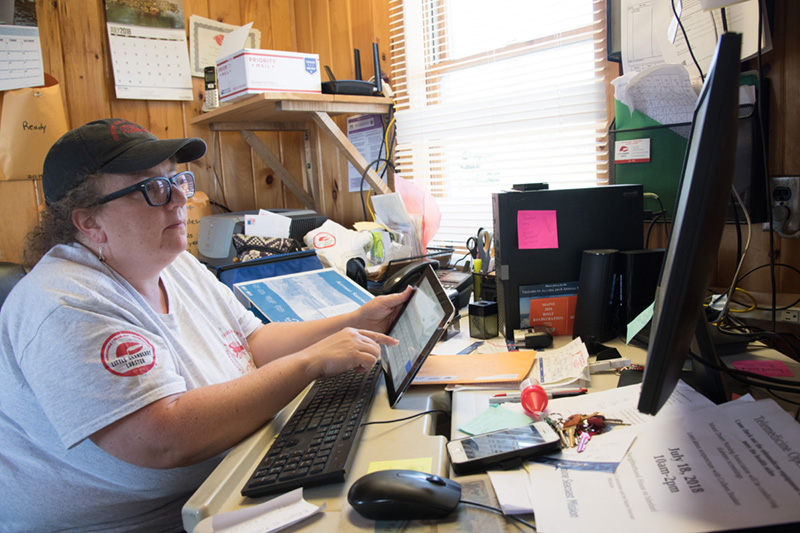
While everyone will have their own way to keep records, some common methods include:
- Using a phone app, such as a Notes file, to keep track of fieldwork, input usage, harvest records, etc.
- Keeping a logbook in your tractor(s) and other farm vehicles
- Noting all farm activities on a calendar or in a journal
- Keeping a dedicated file folder for farm receipts, perhaps organized by enterprise
- Taking photos of receipts and expenses with your phone and organizing them in albums by enterprise
- Using a spreadsheet to track expenses in combination with any of the methods above, as time allows. (Cloud-based apps such as Google Sheets allow any number of people to access a spreadsheet from any device, which can simplify recordkeeping that involves several people.)